 11
11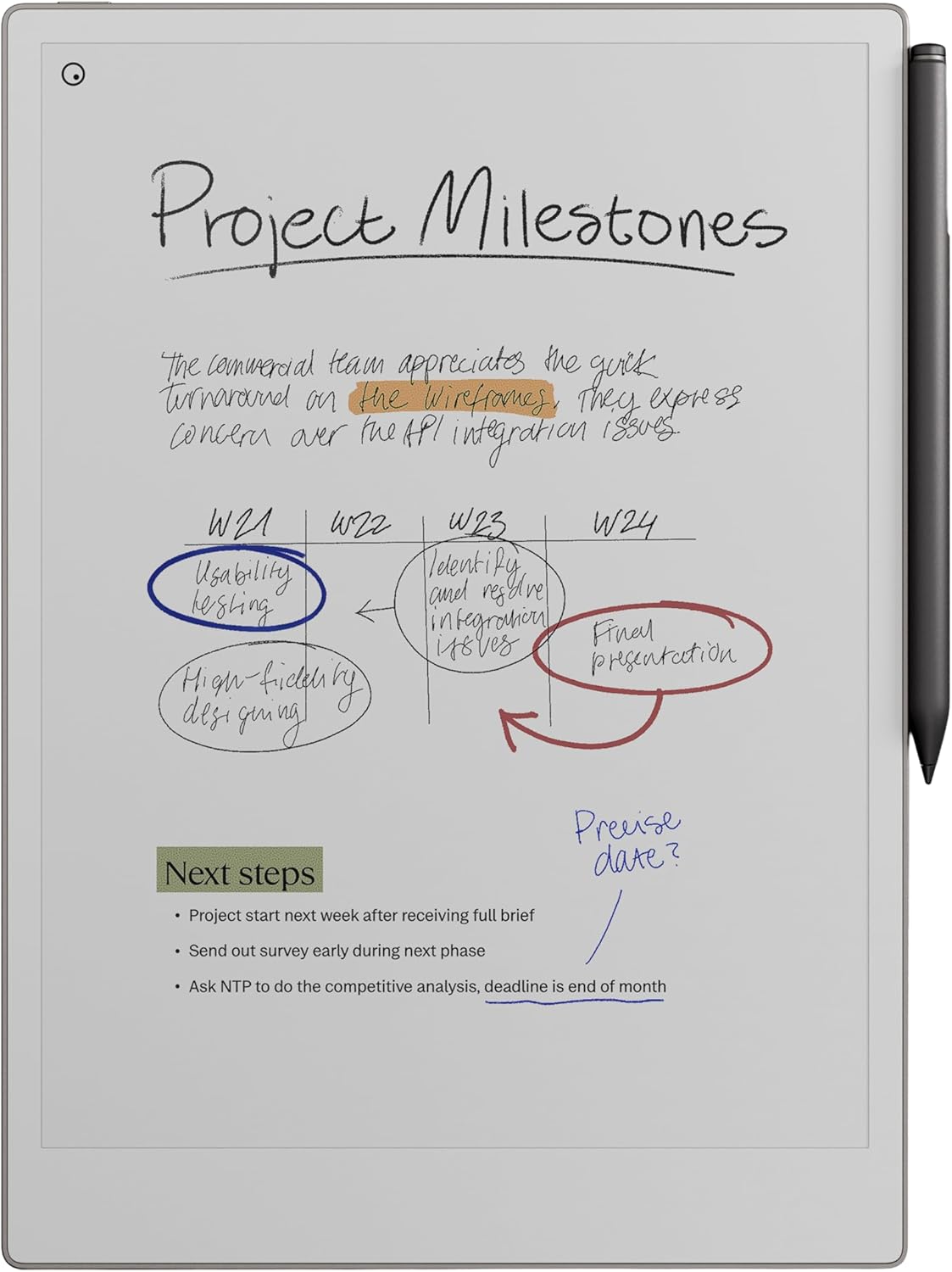
Digital tools have transformed how we read, write, plan, and organize information. Yet many professionals, students, and creatives still prefer the tactile simplicity of pen and paper. The reMarkable Paper Pro Bundle was designed to bridge this gap—bringing the natural writing experience of paper into a distraction-free digital environment.
This comprehensive guide explains what the bundle includes, how the technology works, who it’s designed for, and how it fits into modern workflows. If you’re researching digital note-taking tools for productivity, learning, or creative work, this article will help you understand everything you need to know.
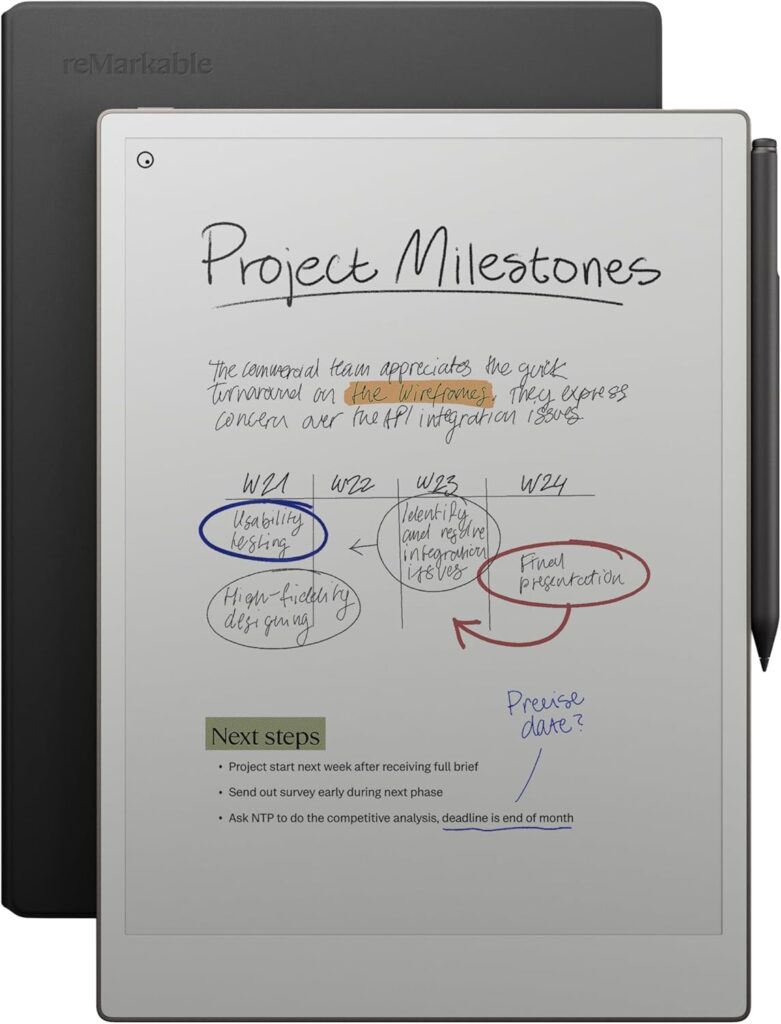
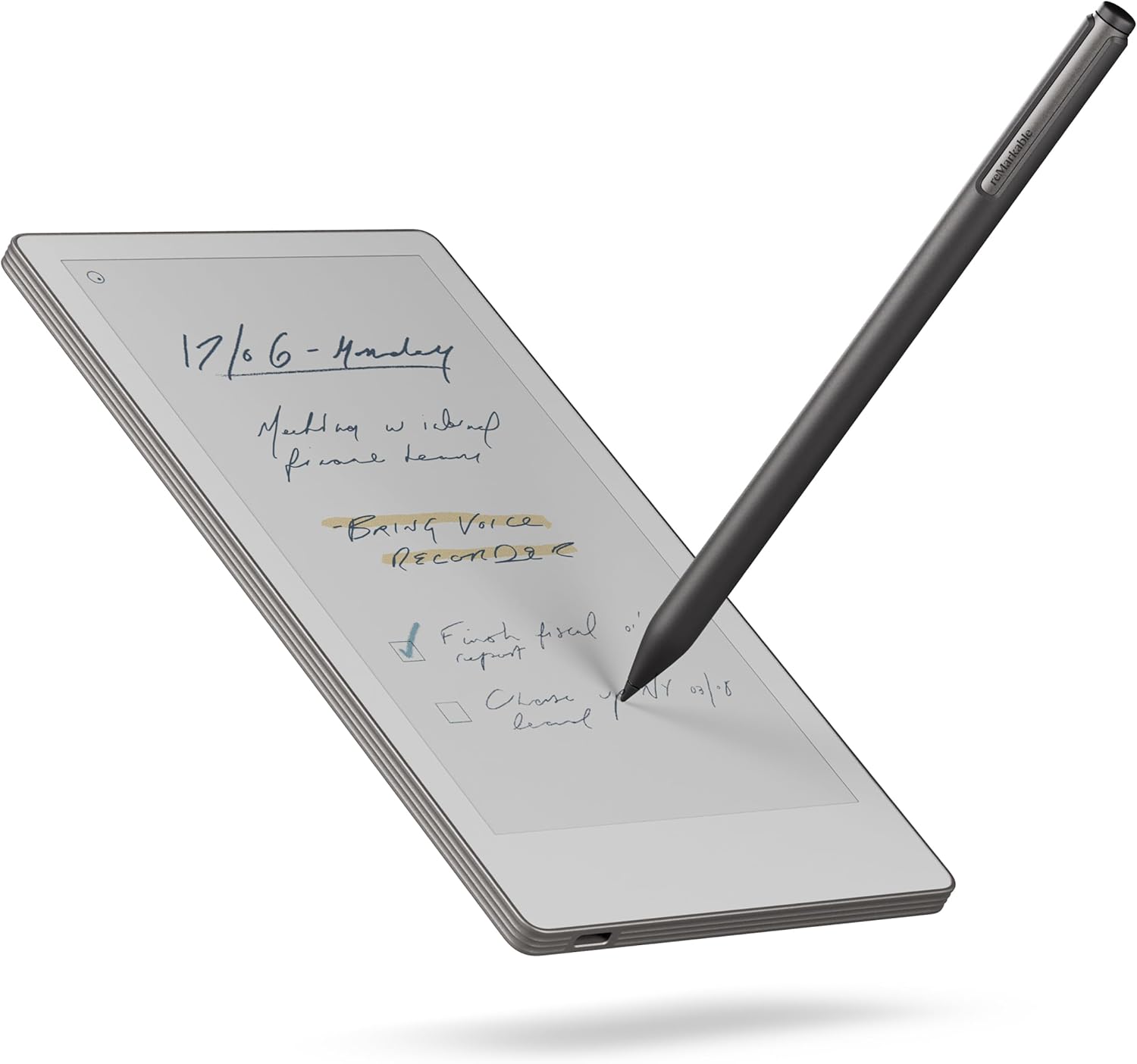
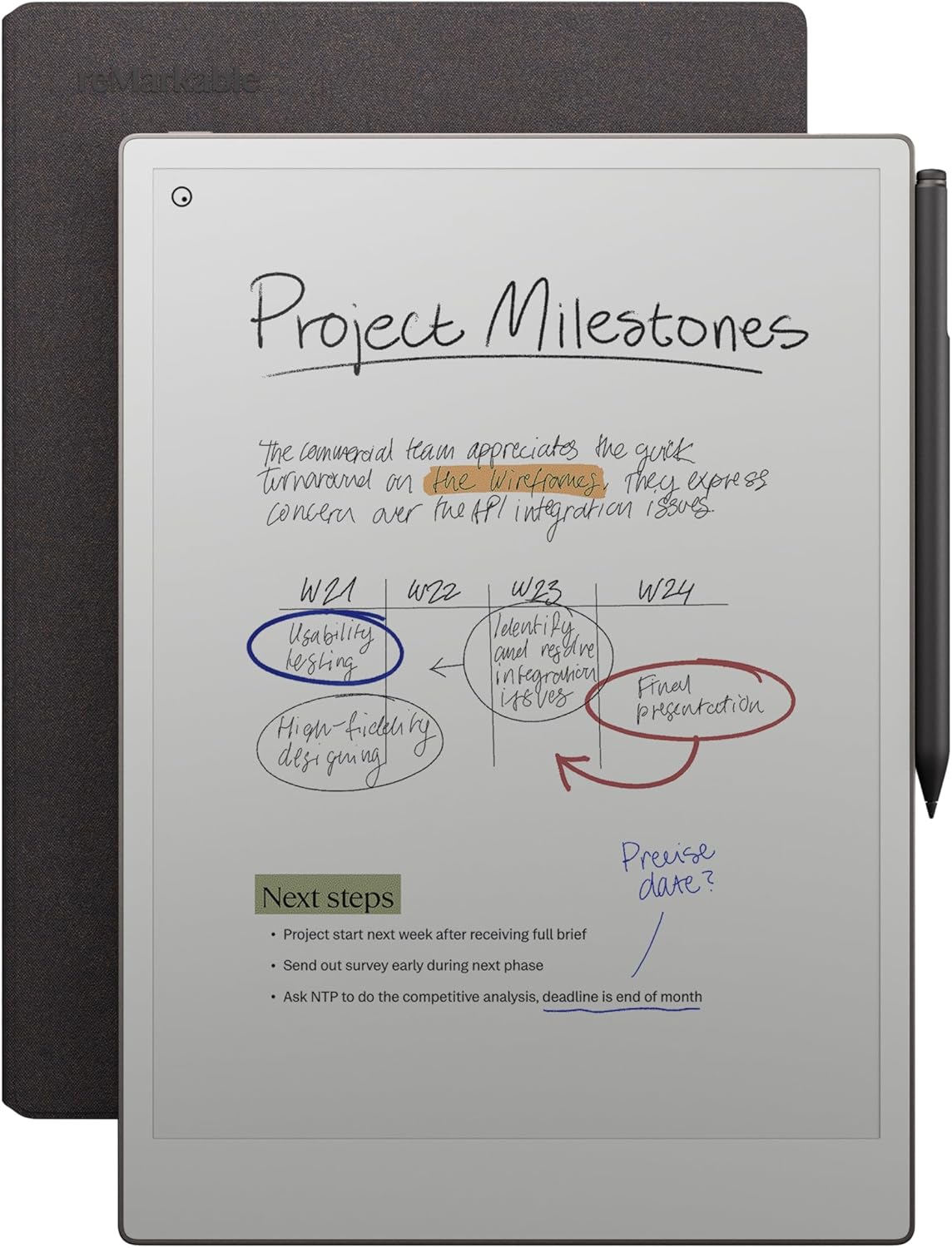
The reMarkable Paper Pro is a digital paper tablet built around a simple philosophy: focus. Unlike traditional tablets that combine social media, games, and entertainment apps, this device is designed primarily for reading, writing, sketching, and thinking.
The bundle includes:
Rather than trying to compete with multifunction tablets, the device positions itself as a productivity-first tool that mimics the feel of writing on paper while providing the advantages of digital storage and organization.
A paper tablet is not meant to replace a laptop or smartphone. Instead, it sits in a unique category between traditional notebooks and digital tablets.
Key characteristics include:
The goal is to recreate the calm and focused experience of using a notebook, while solving common paper problems like clutter, storage, and searchability.
The bundle is designed as an all-in-one starter kit. Each component plays a specific role in recreating a paper-like workflow.
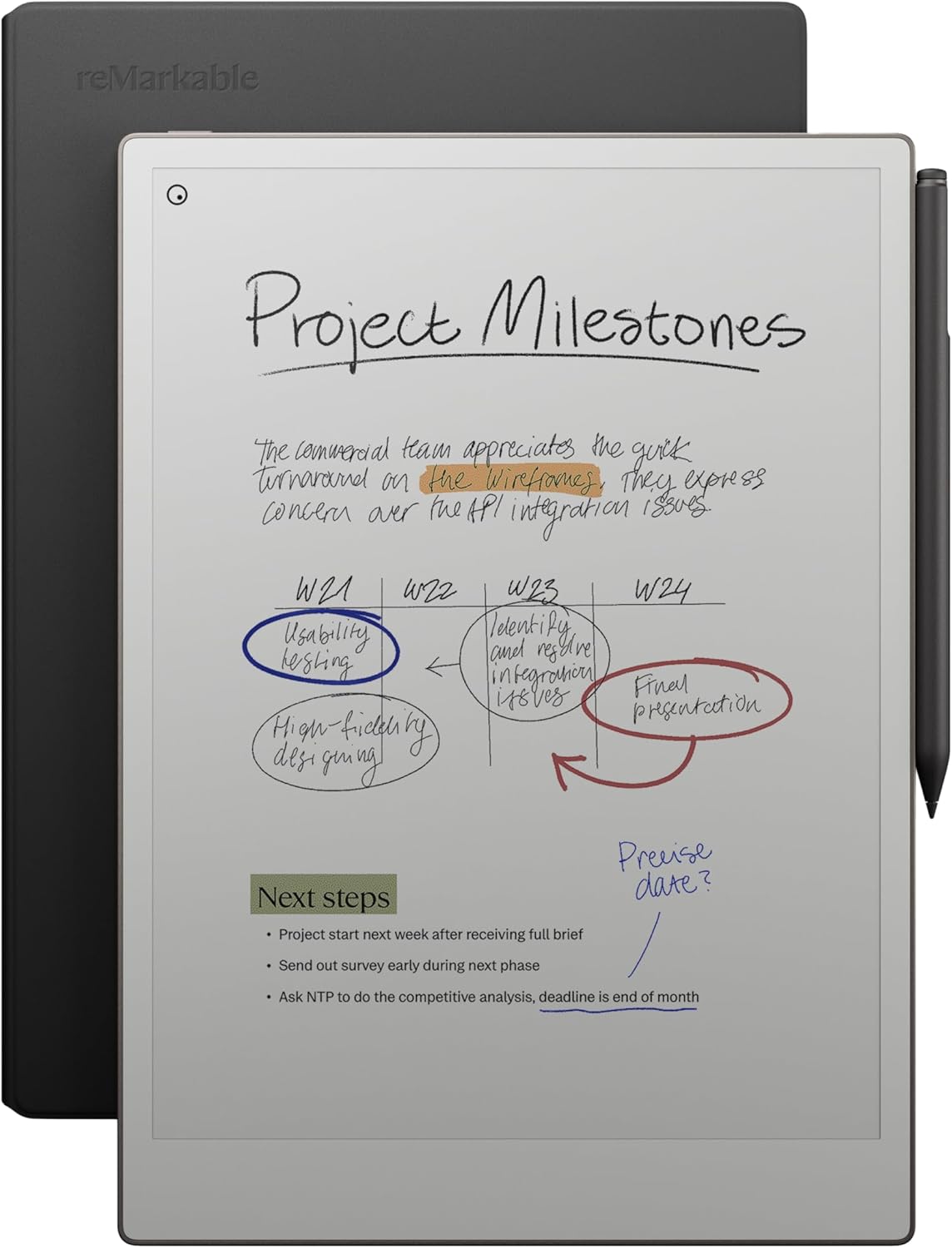
The tablet is the centerpiece of the bundle and serves as your digital notebook, document reader, and sketchbook.
Key hardware highlights:
The screen size is particularly notable because it offers more writing space than many smaller digital notebooks, which helps maintain a natural writing posture.
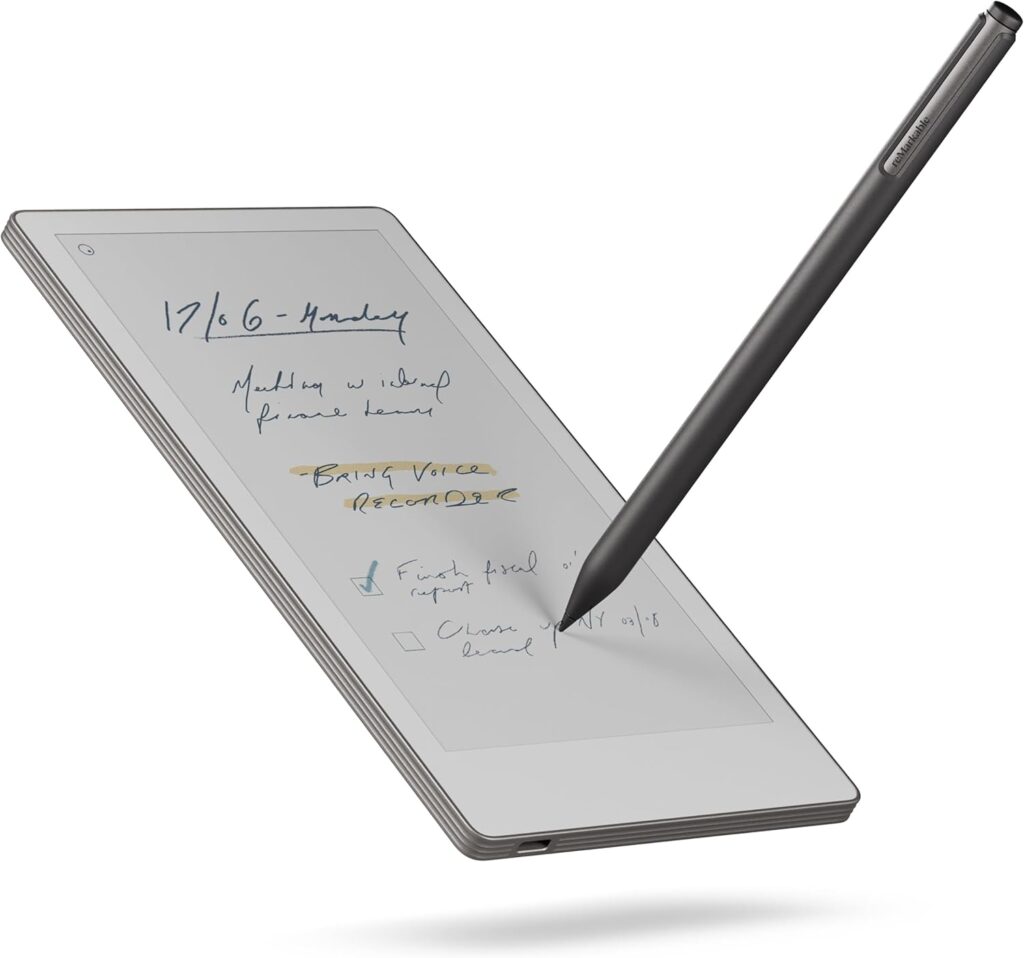
The Marker Plus pen is designed to feel like a real pen or pencil rather than a stylus.
Features include:
This pen is central to the “paper feel” experience, allowing users to write, draw, and annotate naturally.
One of the most distinctive features of the reMarkable Paper Pro is its writing feel. The screen surface creates subtle friction so the pen glides more like paper than glass.
This creates benefits such as:
For users transitioning from traditional notebooks, this tactile experience can make the shift to digital note-taking smoother.
The tablet uses E-Ink display technology rather than LCD or OLED screens.
E-Ink displays mimic the appearance of ink on paper and offer several advantages:
Reduced Eye Strain
The screen reflects light instead of emitting it, making long reading or writing sessions more comfortable.
Excellent Visibility in Bright Light
The display remains readable even in direct sunlight.
Extended Battery Life
E-Ink consumes power only when the screen changes, which dramatically extends battery life.
Distraction-Free Visual Design
The monochrome interface helps users focus on content rather than visual noise.
This technology makes the device particularly appealing for long reading sessions and extended note-taking.
The reMarkable Paper Pro supports a wide range of note-taking styles.
Users can write naturally using different pen types such as:
This flexibility allows you to adapt your writing style to different tasks.
Notes can be organized using:
Templates include lined paper, grids, planners, and blank pages.
The device can convert handwritten notes into typed text, making it easier to:
This feature bridges the gap between handwriting and digital documentation.
Beyond note-taking, the device is designed as a powerful reading and annotation tool.
Commonly supported formats include:
Users can:
This makes the tablet particularly useful for students, researchers, and professionals working with large volumes of reading material.
Digital note-taking becomes most useful when content is accessible across devices.
The tablet integrates with cloud services to allow:
This ensures your notes remain accessible even when the tablet is not nearby.
Modern tablets often include apps, notifications, and entertainment features that interrupt focus. The reMarkable Paper Pro intentionally avoids this approach.
The interface is designed to:
For many users, this simplicity is a key benefit.
The device serves a broad range of users who rely on handwriting or reading.
Students can use the tablet for:
The ability to keep all notes in one device reduces paper clutter.
Professionals may use the device for:
The distraction-free environment supports focused work.
Writers and artists can benefit from:
The natural writing feel encourages creativity without digital noise.
For research workflows, the device supports:
Traditional notebooks have several limitations that digital paper tablets aim to solve.
Paper notebooks accumulate quickly. A digital notebook allows:
Digital notes can be searched, making it easier to find information later.
Paper can be lost or damaged. Digital backups protect your work.
Digital note-taking reduces paper consumption over time.
Because of E-Ink technology and focused software design, the tablet offers long battery life.
Benefits include:
This makes the device suitable for everyday carry.
The reMarkable ecosystem supports modern productivity workflows.
Users can:
This allows the tablet to integrate smoothly into existing work environments.
For professionals working with sensitive information, privacy is important.
Digital notebooks offer:
These help keep notes and documents protected.
Long writing sessions require comfortable ergonomics.
Key factors include:
These elements combine to create a comfortable writing environment.
Templates help users tailor the device to specific tasks.
Common template uses:
This flexibility allows the tablet to adapt to many workflows.
The concept of digital minimalism focuses on using technology intentionally.
The reMarkable Paper Pro aligns with this philosophy by offering:
For users seeking balance between analog and digital workflows, this approach can be appealing.
Switching from notebooks to a digital system can feel like a big change.
Tips for a smooth transition:
Over time, the device can become a central hub for:
The ability to store years of notes in one place can simplify long-term organization.
The reMarkable Paper Pro Bundle combines a large digital paper tablet with a pen designed for natural writing. Its focus on distraction-free productivity, paper-like writing feel, and long battery life positions it as a unique tool for note-taking and reading.
Rather than replacing laptops or smartphones, the device fills a specialized role: helping users think, write, and read with fewer digital interruptions while keeping the benefits of digital organization.
For students, professionals, writers, and anyone who values handwriting, the reMarkable Paper Pro represents a modern approach to an age-old habit—the simple act of putting pen to paper.