 11
11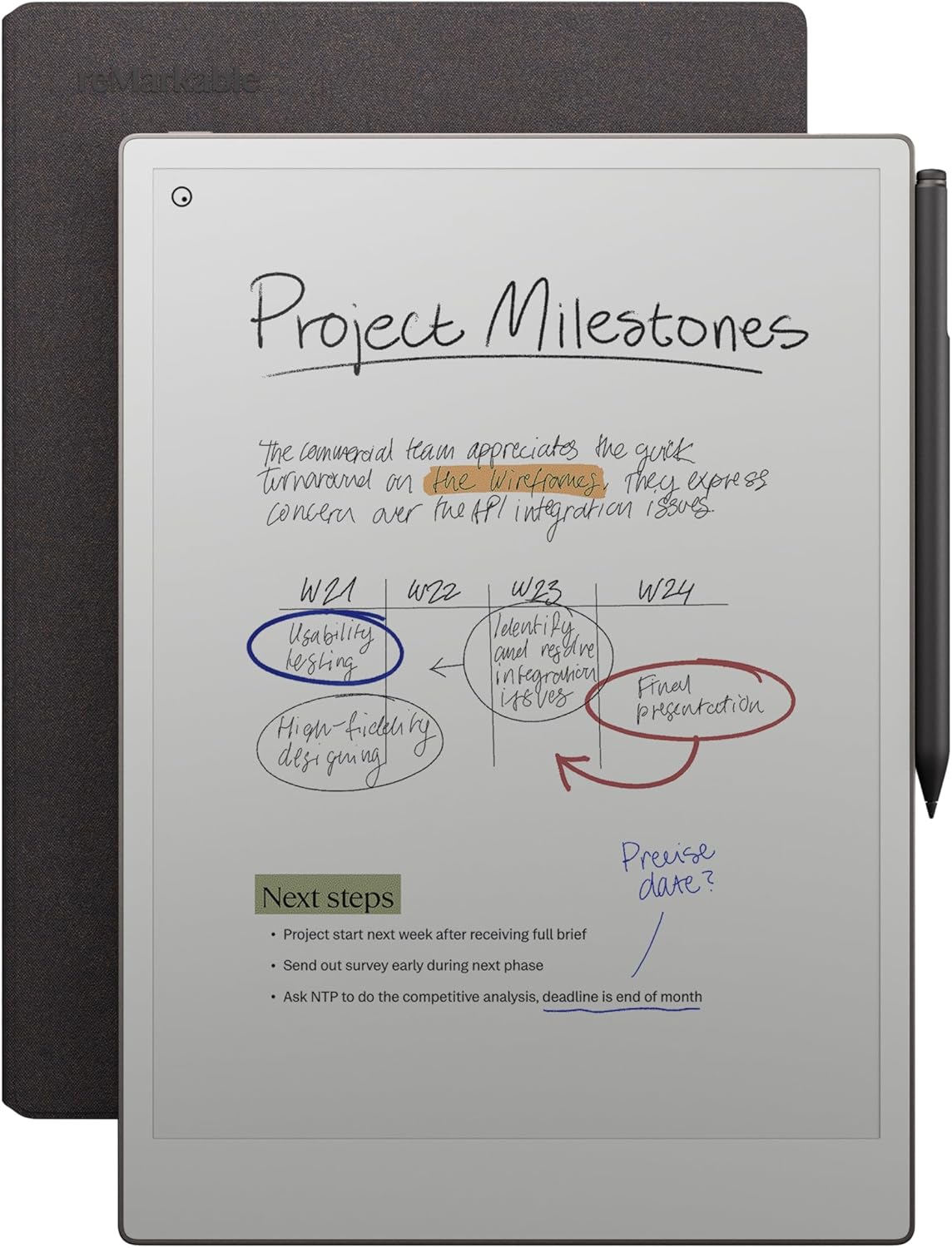
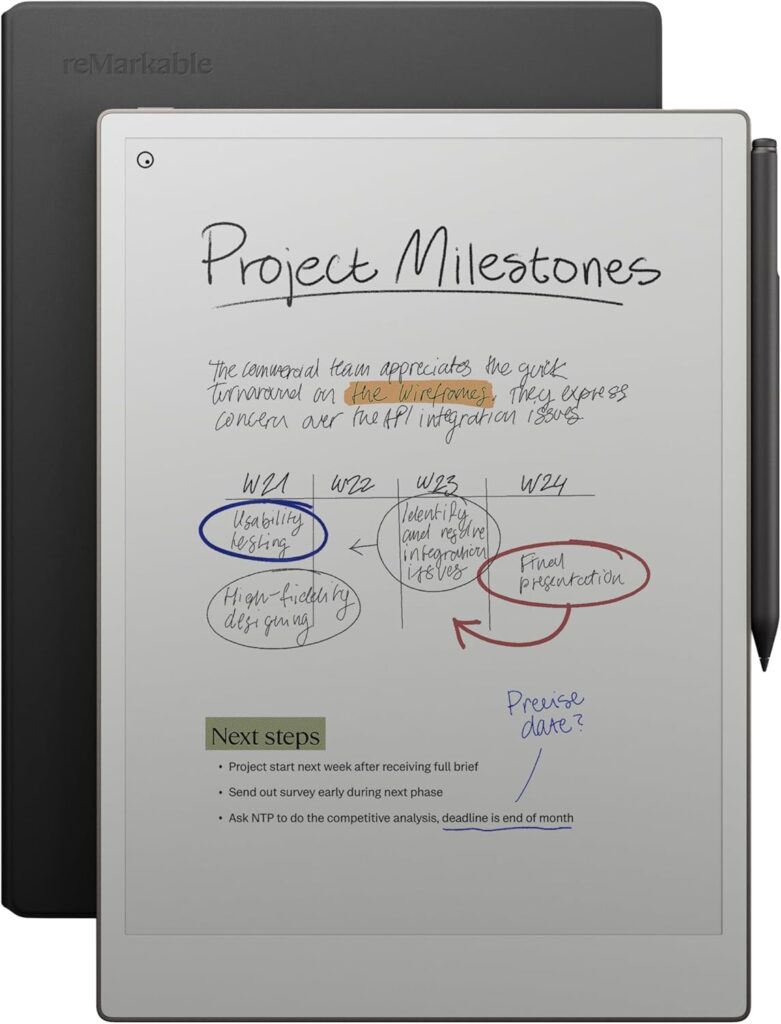
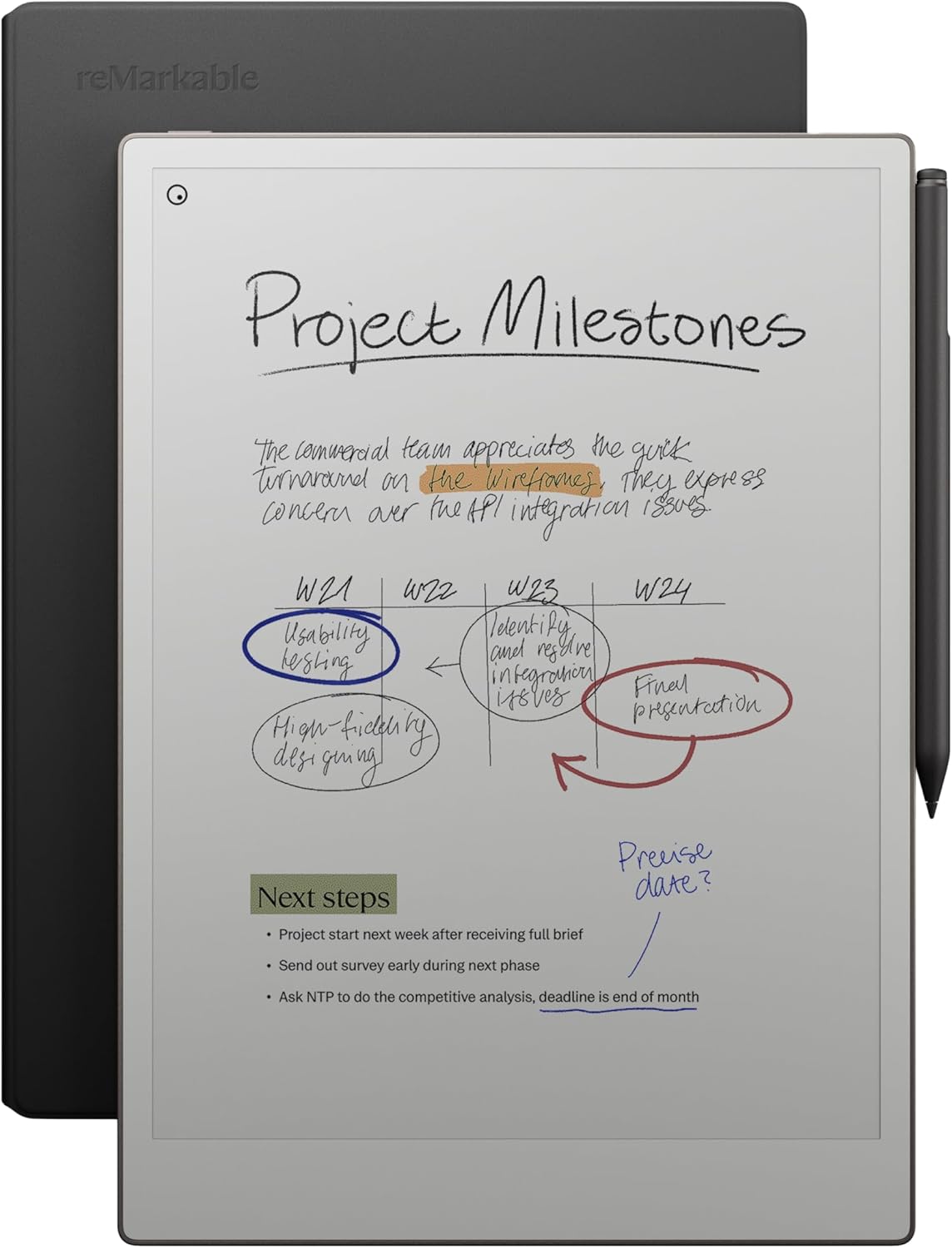
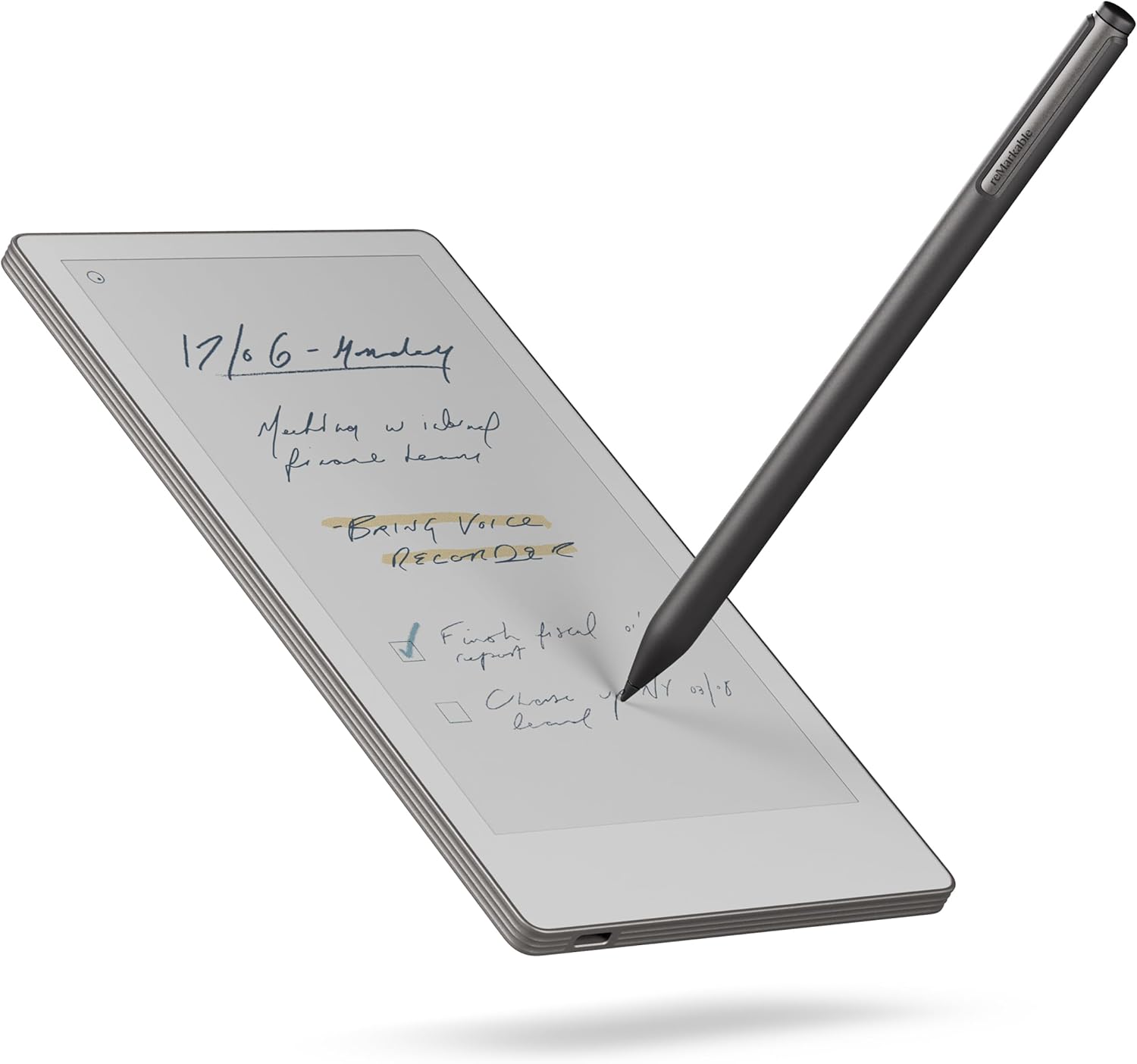
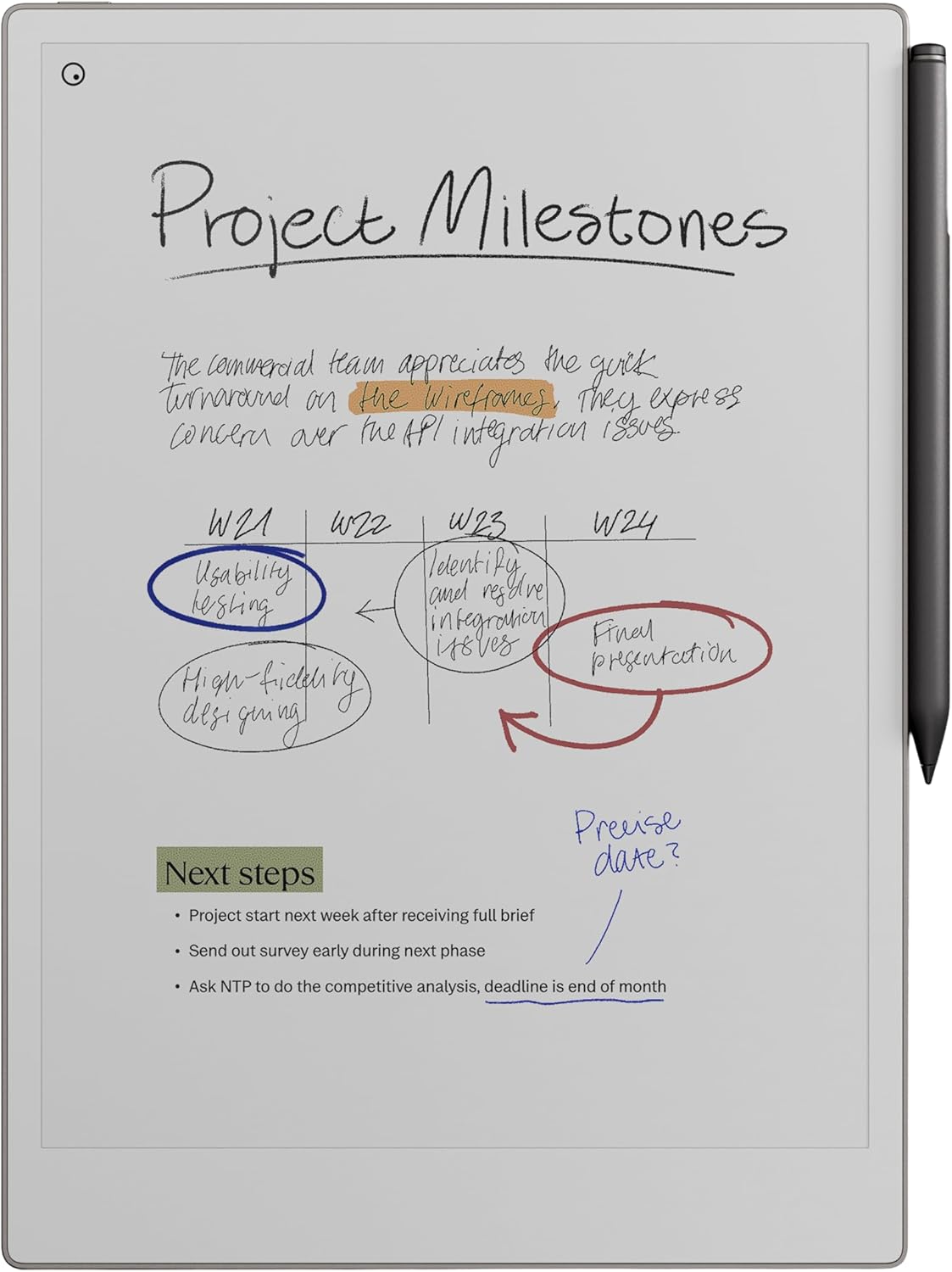
The reMarkable Paper Pro Bundle – Mosaic Weave (Basalt) represents the newest evolution of distraction-free digital writing. Designed for professionals, students, creatives, and productivity enthusiasts, this bundle combines the 11.8” reMarkable Paper Pro tablet, Marker Plus pen with eraser, and a premium Mosaic Weave Book Folio cover into a single ecosystem focused on focus, clarity, and natural writing.
This article provides a comprehensive, neutral and informative overview of the device, its technology, and who it is best suited for.
The team behind reMarkable built their brand around a simple idea:
Replace paper notebooks while preserving the feel of paper.
Rather than competing directly with tablets designed for entertainment or apps, the reMarkable ecosystem prioritizes:
The Paper Pro Bundle is the most advanced expression of this philosophy to date.
This bundle includes three essential components designed to work seamlessly together.
The centerpiece of the bundle is the large-format paper tablet designed for writing, sketching, annotating, and reading.
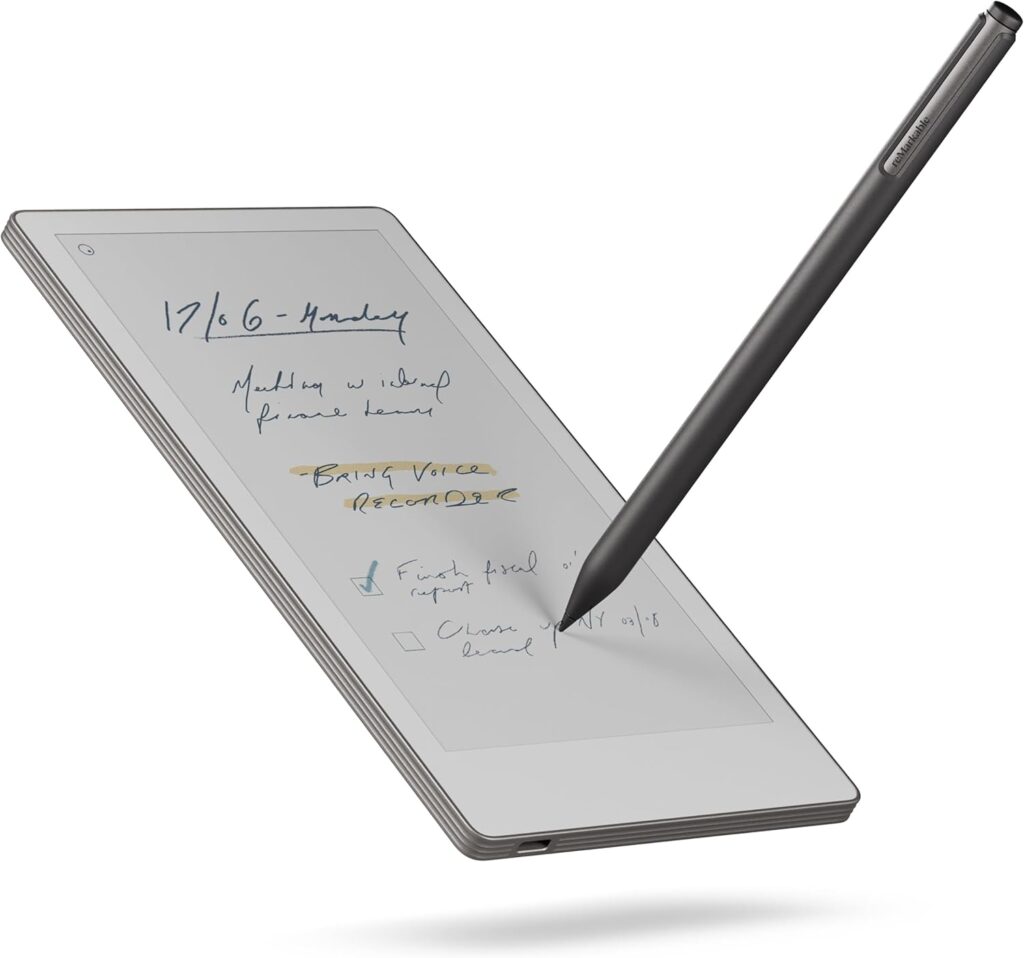
A precision stylus engineered for natural writing and pressure sensitivity, including a built-in digital eraser.
A protective folio cover with a professional fabric texture designed to carry the tablet safely.
Together, these components create a fully integrated digital notebook ecosystem.
The most noticeable upgrade in the Paper Pro is its larger screen size. The 11.8-inch display offers a canvas closer to real A4 paper, making it ideal for:
The increased workspace is particularly valuable for professionals who regularly annotate full-size documents.
The Paper Pro uses advanced E-Ink display technology, which differs significantly from traditional LCD or OLED screens.
Key benefits include:
This makes it especially appealing for people who spend hours reading or writing.
Despite the larger display, the tablet maintains a slim, portable form factor.
Design priorities include:
The device is engineered to feel like a premium notebook rather than a conventional tablet.
One of the defining features of the reMarkable ecosystem is its paper-like writing texture.
The Marker Plus stylus is designed to simulate:
The result is a writing experience that feels tactile and precise.
Pressure sensitivity allows line thickness to vary naturally based on writing pressure. This is particularly valuable for:
The Marker Plus includes an eraser on the back, similar to a traditional pencil.
This simple feature enhances workflow by allowing users to:
Small design decisions like this contribute to the device’s distraction-free philosophy.
The included Book Folio cover protects the tablet while maintaining a notebook-like appearance.
Features include:
The folio turns the tablet into a single, easy-to-carry unit suitable for work or travel.
The Paper Pro allows users to create unlimited notebooks organized into folders.
Typical use cases include:
Users can separate work and personal notebooks while maintaining quick access.
The tablet supports importing and marking up documents.
This makes it especially useful for:
Handwritten notes can be added directly on top of documents.
The device includes handwriting recognition features that can convert handwritten notes into typed text.
Potential applications include:
This bridges the gap between analog writing and digital workflows.
Unlike multipurpose tablets, the Paper Pro intentionally removes distractions.
It does not focus on:
This approach helps users maintain deep focus during writing and reading sessions.
The device is aligned with productivity methods like:
By eliminating distractions, it creates a dedicated workspace for thinking and writing.
Notes and documents can sync across devices via the reMarkable cloud ecosystem.
This allows users to access files from:
The cloud system ensures that handwritten content becomes part of a broader digital workflow.
Users can export documents in multiple formats, including:
This makes it easy to share notes with colleagues, classmates, or collaborators.
E-Ink displays consume far less power than traditional screens.
This results in:
The device is designed for extended use without frequent recharging.
The Paper Pro fits well into professional workflows, including:
It supports document review, meeting notes, and idea capture.
Students benefit from:
The large screen is particularly helpful for academic PDFs.
Artists and creatives may use it for:
The natural writing feel supports expressive work.
People interested in productivity systems often appreciate:
The device aligns with paper-based productivity methods while adding digital flexibility.
| Feature | Paper Tablet | Traditional Tablet |
|---|---|---|
| Eye comfort | High | Moderate |
| Battery life | Long | Shorter |
| Distractions | Minimal | High |
| Writing feel | Paper-like | Glass surface |
| App ecosystem | Limited | Extensive |
This comparison highlights the different design goals of paper tablets versus general-purpose devices.
Digital notebooks can reduce reliance on:
Over time, this can help decrease paper consumption for heavy note-takers.
Using a paper tablet allows users to build a searchable archive of handwritten knowledge.
Benefits include:
This transforms traditional notebooks into a digital knowledge system.
The reMarkable approach aligns with growing interest in:
The Paper Pro represents a tool designed for purposeful interaction rather than passive consumption.
The reMarkable Paper Pro Bundle – Mosaic Weave Basalt brings together hardware, stylus technology, and minimalist software into a cohesive digital writing ecosystem.
It is built around the idea that technology should support thinking, creativity, and productivity without competing for attention.
By combining a large paper-like display, precision stylus input, long battery life, and distraction-free design, the Paper Pro aims to replicate the simplicity of pen and paper while adding the advantages of digital organization and connectivity.
For individuals seeking a focused digital workspace for reading, writing, and annotating, the Paper Pro bundle represents a modern approach to the timeless act of putting ideas on paper.